
Top Browser Security Tips 2025: Stay Safe While Browsing Online
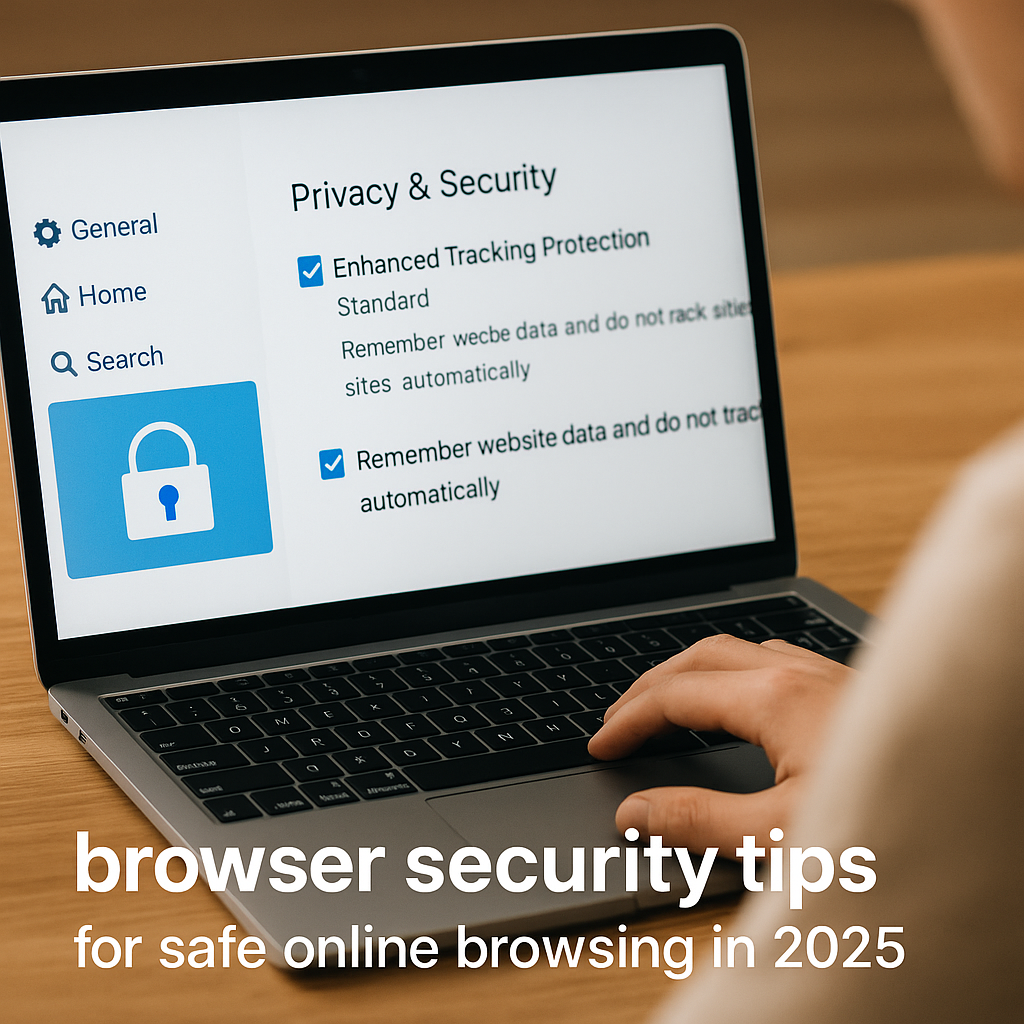
Top Browser Security Tips 2025: Stay Safe While Browsing Online
Introduction: Why Browser Security Matters in 2025
In 2025, browsers are no longer just tools to access the internet—they’re gateways to our digital lives. From online banking and shopping to managing sensitive personal data, browsers handle it all. Therefore, understanding how to protect yourself while browsing is essential. Moreover, in this guide, you’ll discover the top browser security tips for 2025 to keep your online activity safe from hackers, trackers, and cyber threats. In addition, by applying these strategies early, you ensure peace of mind throughout the year.
Learn more about browser features on our Chrome Guide.
Browser Security Risks in 2025 You Should Know
Before you can protect yourself, you need to know what you’re protecting against. Some of the most common threats in 2025 include:
- Phishing attacks that mimic real websites
- Malicious browser extensions stealing data
- Man-in-the-middle (MITM) attacks on unsecured Wi-Fi
- Tracking cookies gathering personal data
- Credential stuffing through saved passwords
Clearly, understanding these threats helps you recognize red flags and respond effectively. As a result, being informed gives you a strong head start. Furthermore, knowing the risks allows you to prepare effective defenses.
Update Your Browser to Strengthen Security
An outdated browser is a vulnerable browser. Developers frequently release patches to fix flaws. Therefore, follow these practices to strengthen your browser security quickly:
- Enable auto-updates for your browser
- Check for updates at least once a week
- Always restart your browser after updates to apply them
Whether you use Chrome, Firefox, Edge, or Safari, timely updates are your first line of defense. Thus, never skip or delay updates. In addition, enabling automatic updates ensures you never miss critical patches.
Explore Microsoft Edge features
Browser Extension Safety Tips
Extensions can be helpful, but they also pose risks. However, you can stay safe by following these steps:
- Only install extensions from official web stores
- Check reviews and ratings before installing
- Limit permissions to what’s strictly necessary
- Regularly audit and remove unused extensions
In addition, avoid obscure or pirated extensions that promise more than they deliver. They could contain spyware or malware. Consequently, using trusted sources minimizes exposure to harmful code.
Read Brave’s official blog on browser security
HTTPS-Only Mode for Secure Web Browsing
Modern browsers like Firefox and Chrome allow you to enable HTTPS-Only Mode to ensure secure connections. Moreover, this feature adds an extra safeguard for every site you visit.
Benefits of HTTPS:
- Encrypts the data exchanged between you and the website
- Prevents interception by hackers
- Helps identify legitimate websites
As a result, go to your browser’s security settings and enable “HTTPS Only Mode” or use extensions like HTTPS Everywhere. Consequently, your sessions remain safer and attackers face more hurdles.
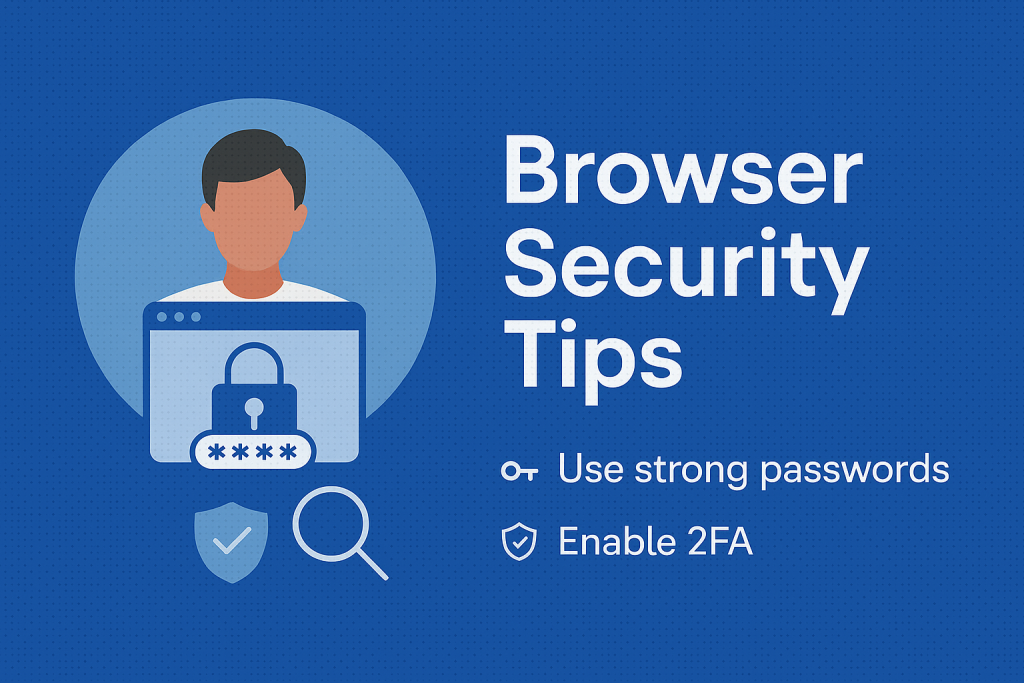
Password Protection in Browser Security
A strong password is your first defense against breaches. Therefore, adopt these strategies carefully:
- Use at least 12 characters with numbers, symbols, and mixed-case letters
- Never reuse passwords across sites
- Use a password manager to store and generate passwords
For extra safety, browsers like Edge and Chrome offer built-in managers. Nevertheless, standalone tools like Bitwarden or 1Password also add value. As a result, you cover more ground by diversifying security tools.
Block Third-Party Cookies for Privacy
Third-party cookies track you across the web. Consequently, they pose privacy risks. In addition, blocking them strengthens your anonymity online.
How to block them:
- In Chrome: Settings → Privacy and Security → Cookies → Block third-party cookies
- In Firefox: Settings → Privacy & Security → Enhanced Tracking Protection → Strict
- In Edge: Settings → Site Permissions → Cookies and site data → Block third-party cookies
Alternatively, use privacy-focused browsers like Brave, which block trackers by default. As a result, your browsing footprint shrinks significantly.
Built-in Browser Security Features
Each modern browser has advanced tools. For example:
Google Chrome
- Safe Browsing alerts
- Site Isolation
- Advanced protection mode
Mozilla Firefox
- Total Cookie Protection
- Enhanced Tracking Protection
- Firefox Monitor integration
Microsoft Edge
- Defender SmartScreen
- Password Monitor
- Kids Mode
Safari
- Intelligent Tracking Prevention
- iCloud Keychain alerts
In short, explore these features and turn them on. When combined, they provide a solid foundation. Therefore, don’t overlook what’s already available in your settings.
Clear Cache & Cookies for Browser Security
Regularly clearing cache and cookies can strengthen browsing hygiene. Moreover, it improves performance and prevents session hijacking.
- Prevent data leaks
- Fix loading issues
- Remove login sessions
Best practices include clearing cache every few days, scheduling automatic clearance, and using private browsing. As a result, your data stays fresh and harder to steal.
Mobile Browser Security Tips
Browser security isn’t just for desktops. Hence, for mobile safety always:
- Keep your mobile browser and OS updated
- Avoid APKs outside Play Store or App Store
- Use Firefox Focus or DuckDuckGo Browser
Additionally, enable screen lock and biometric login. In fact, mobile-first safety is essential in 2025. Consequently, device-level protection extends browser security.
Final Thoughts on Browser Security Tips
The best way to stay safe is to remain informed. Cyber threats evolve, but protections evolve too. By applying these tips, you create a strong shield. Moreover, regular updates, smarter browsing habits, and privacy-conscious tools are the foundations of security. Therefore, harden your browser today to ensure peace of mind.
When on public devices, switch to incognito mode. However, remember ISPs or employers may still track. So, always combine private browsing with other protective practices. Finally, staying proactive means staying safe.